
Why catalogue photos matter before a viewing day
When used industrial machinery is being marketed, buyers rely on photos to decide whether to inspect in person. A clear set of images helps them judge size, condition, attachments and how the machine sits in the workshop or yard. That matters whether the equipment is in Kempton Park, Germiston or on a site in Durban where salt air and storage conditions can affect finishes and fittings.
Good photos do not replace an inspection, and they do not create a guarantee of value or sale price. They simply give an informed first view. That saves time for sellers and buyers, especially when the viewing day is tightly scheduled and the machine is still in production or packed in a plant with limited access.
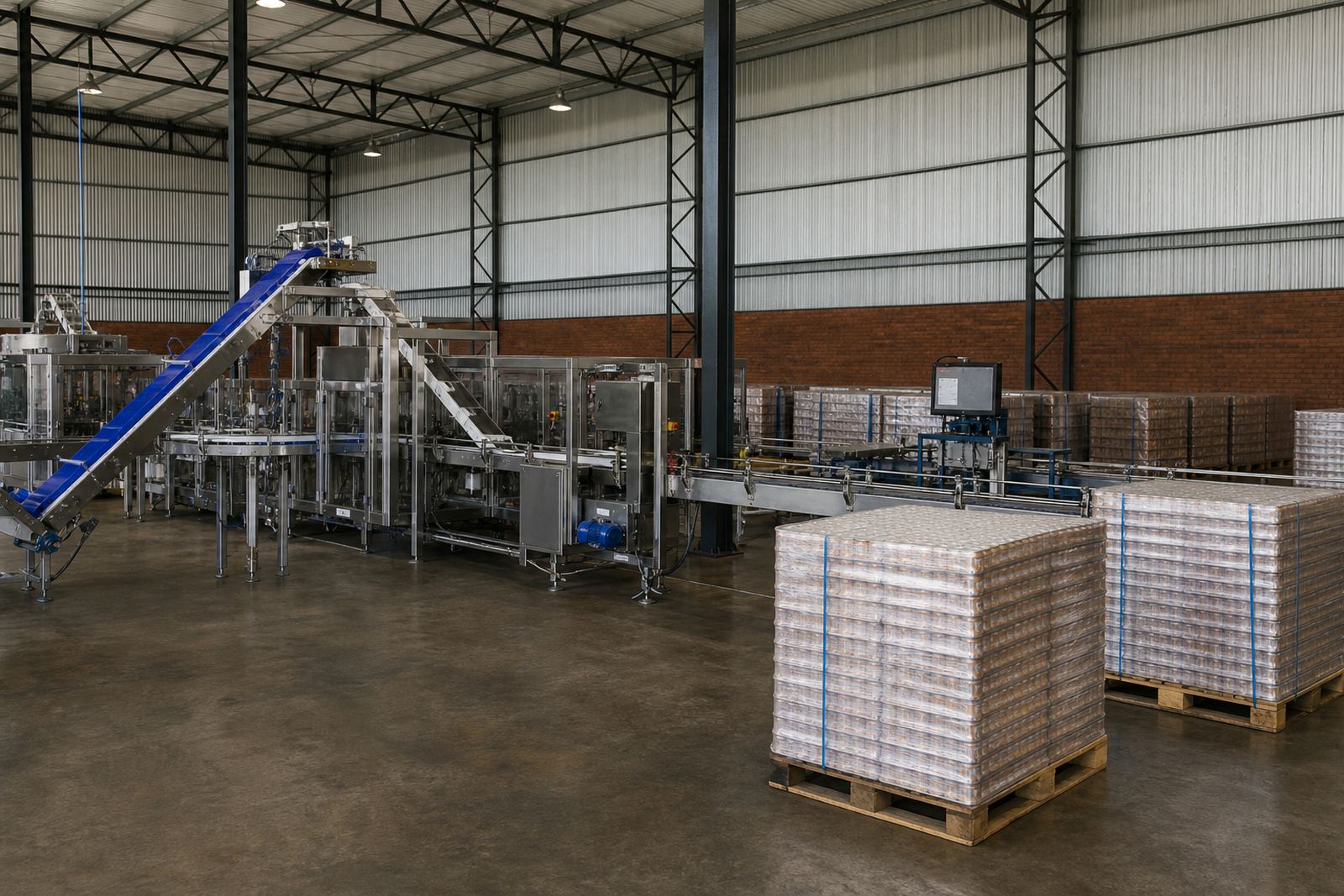
Start with clean light and enough space around the machine
The best photos usually come from a practical setup, not a studio. Sweep away loose offcuts, pallets and oil absorbent pads where possible. Open roller doors or use strong natural light in the early morning so the machine is evenly lit. In warehouses around Johannesburg or Pretoria, where fluorescent lighting can cast a yellow tint, it helps to switch on all available lights and avoid deep shadows.
- Take the main photo from a few steps back so the full machine is visible.
- Leave space around the item so buyers can see access points and footprint.
- Avoid shooting directly into bright windows or open doors if it creates glare.
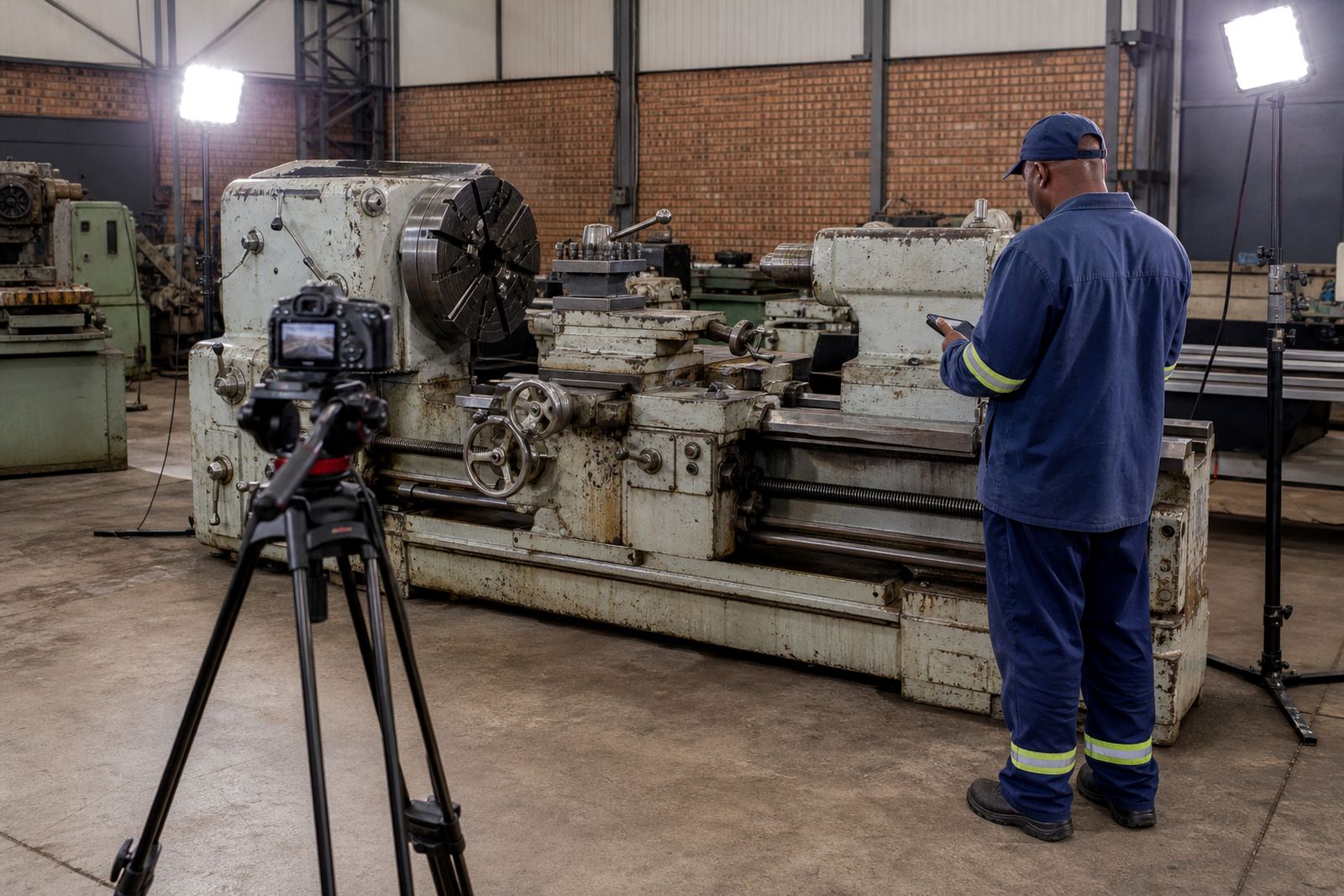
- If the site is dark because of load-shedding, use portable lighting carefully and keep it steady.
It is better to have one clear image than five blurred ones. Buyers often want to know how the machine is positioned, whether it is floor-mounted or freestanding, and if there is enough room for removal.
Show the identification points and working areas
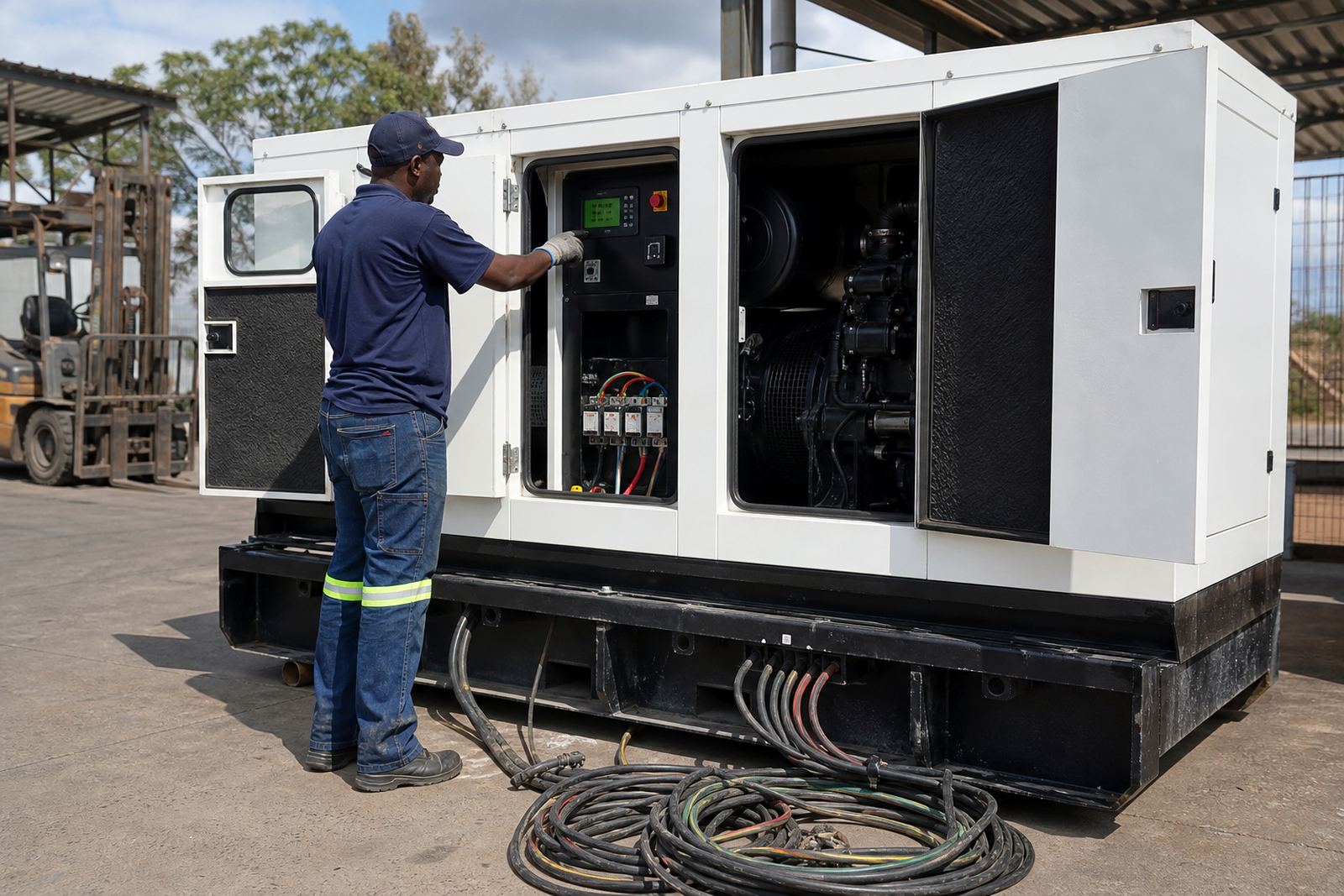
Buyers need practical detail, not just a front view. Photographs should include the control panel, safety guards, feed area, cutting area, hydraulic lines where relevant and any nameplates or serial plates that are visible. A close image of the model marking helps with cataloguing and later verification. If a machine has been modified, show that too so the catalogue matches what a buyer will see at inspection.
For older machinery, a photo of worn handles, worn paint, missing covers or repairs is useful. It gives a fairer picture than a polished wide shot. If there are loose hoses, cracked belts, corrosion or oil staining, those details should be shown plainly. Transparency matters because buyers use the catalogue to plan transport, rigging and possible recommissioning work.
- Photograph the front, back, left side and right side.
- Capture the control panel and any display screens straight on.
- Take close-ups of serial plates, switches, guards and wear points.
- Include any extra tooling, chucks, fixtures or spares listed with the lot.
Use context shots to explain size, access and lifting needs
A machine can look smaller in a close photo than it really is. That is why context shots are important. Include pallet jacks, steps, tape measures, columns, doors or nearby racking so the buyer can judge height and width. This is especially useful for buyers arranging removal from sites in Cape Town, Gqeberha or coastal Durban, where access routes, loading bays and weather exposure can all affect planning.
If a machine sits on a plinth, in a basement, or behind fixed services, show that honestly. A buyer who understands the route out of the building is less likely to be surprised on collection day. Good context photos also help with viewing day planning, because the auction team can see what needs to be moved, isolated or guarded before visitors arrive.
For larger plant appraisals, it helps to include one image from each side of the aisle or bay. That makes it easier to see whether a forklift can approach, whether overhead clearance is limited, and whether the unit can be removed without dismantling nearby equipment.
Keep the image set consistent across every lot
Consistency makes a catalogue easier to read. If one machine is photographed from several angles and the next is shown only from one side, buyers may assume the second lot has something to hide. A steady method builds trust and keeps the catalogue neat from start to finish. It also helps when a mixed lot contains different types of industrial machinery, because buyers can compare similar views from one item to the next.
A simple method works well:
- Begin with a full machine shot.
- Move clockwise around the item.
- Take one close-up of identification details.
- Photograph wear, damage and extras separately.
- Finish with a context image showing the surrounding area.
On larger jobs in Midrand or Johannesburg, this structure saves time for the catalogue and media team and keeps the listing process orderly. It also reduces confusion when buyers are reviewing several lots at once.
What to avoid before the camera comes out
There are a few common mistakes that can make a machine look less clear than it really is. Reflections from polished steel, shadows across the control panel and clutter around the base can hide important detail. A quick wipe with a dry cloth often helps, but there is no need to over-clean or disguise marks. Buyers would rather see the actual condition than a surface that looks polished but tells them very little.
Avoid photos taken at an angle so sharp that the machine appears distorted. Also avoid using digital zoom, which can soften details and make plates unreadable. If the item is dirty from normal production, it is still better to photograph it as it stands than to wait for a perfect moment that never comes. In busy plants, especially where power cuts interrupt routine cleaning, practical and accurate photos are usually the best approach.
When in doubt, capture more detail rather than less. A few extra images of the same lot can make the difference between a casual look and a proper inspection booking.
A Kempton Park example: one clear set of photos can save time
Consider a workshop in Kempton Park preparing to sell several used machines and support equipment. The auction team needs to know which items are complete, which ones have loose tooling and which machines need lifting gear for removal. Clear catalogue photos let buyers see the main condition points before the viewing day, so the right people arrive with the right questions.
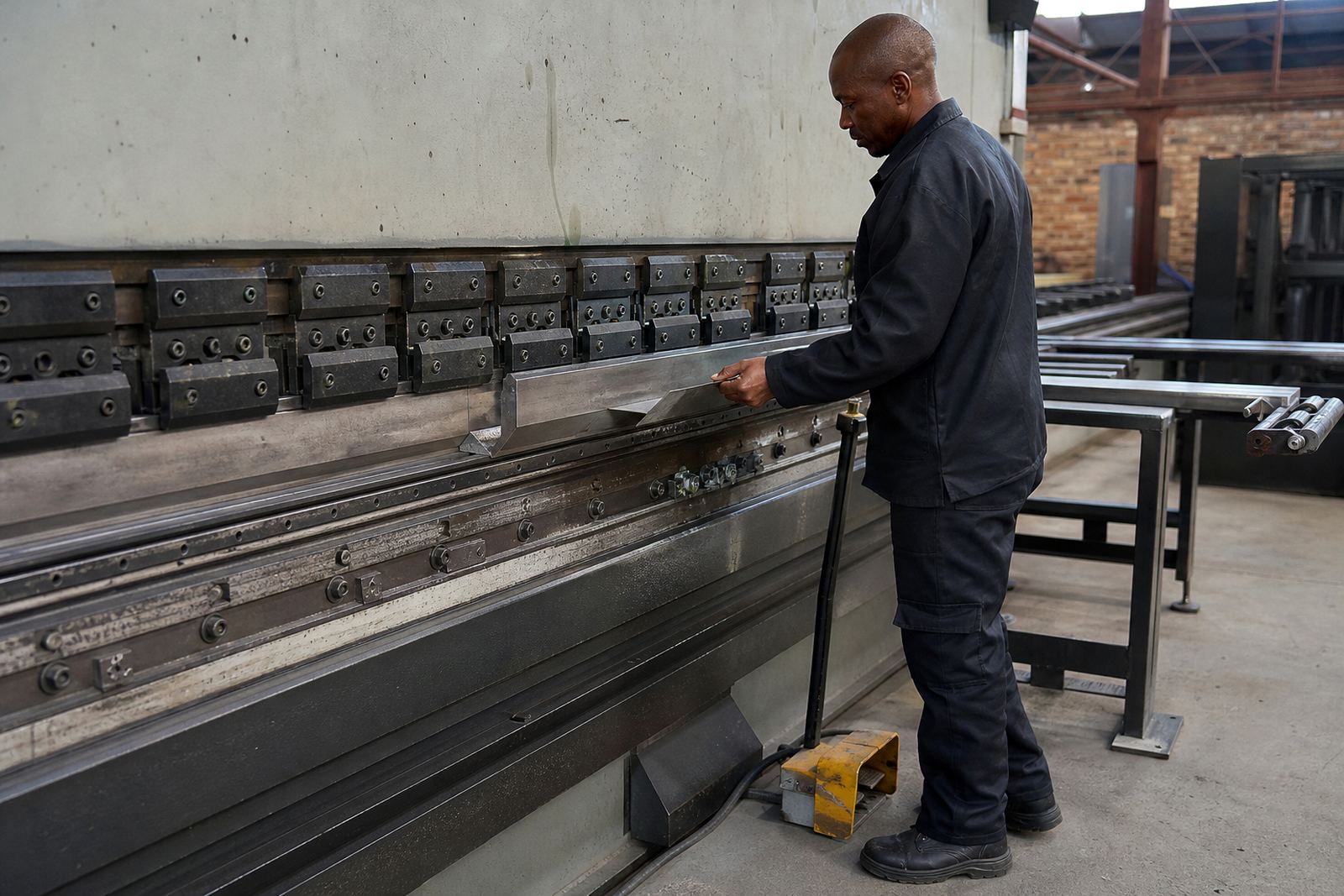
If a compressor, press or lathe is photographed with enough space around it, buyers can estimate whether it will fit through a standard doorway, whether the floor space is sufficient and whether the site access is tight. That means fewer wasted trips and better use of the viewing day. For sellers, it also helps the auction process move with less back-and-forth once interested buyers start asking for details.
Good photography does not replace a proper inspection or an opinion of value. It supports both. When the catalogue is clear, buyers arrive better informed, sellers get a fairer market response and the whole process tends to run more smoothly.